


Menus
Build a stunning menu for your restaurant, catering business, or special dinner with friends. Create bespoke designs by personalizing our mouth-watering templates with your own brand and style.
But first, cookies 🍪


We use essential cookies to make Canva work. We’d like to use other cookies to improve and personalise your visit, tailor ads you see from us on Canva and partner sites, and to analyse our website’s performance, but only if you accept. Learn more about your choices in our cookie policy.
Accept all cookies
Manage cookies
Hundreds of templates to customize
Millions of free images and illustrations
Real-time collaboration
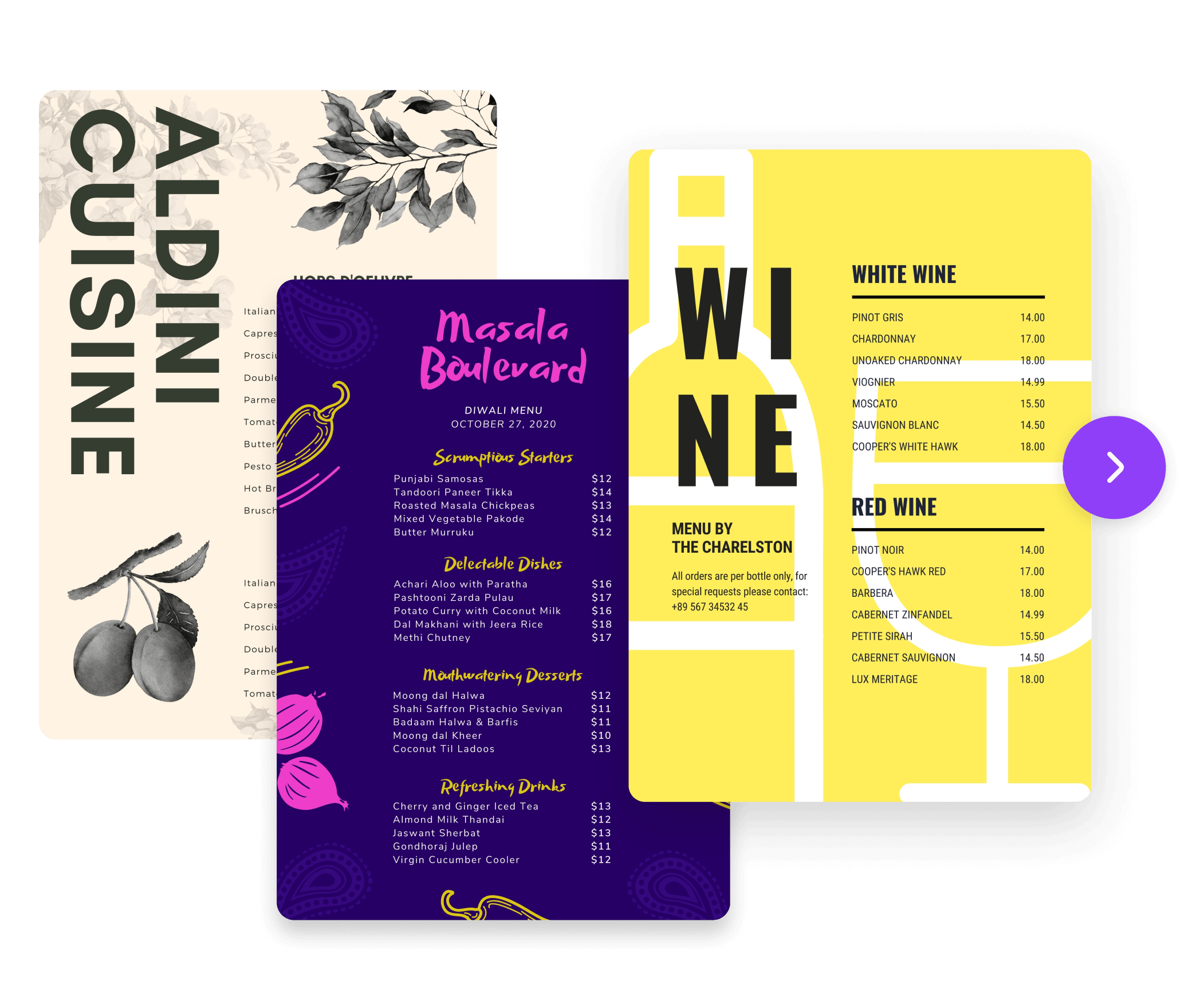
Whether it's breakfast or lunch, bbq or pizza, casual drinks, or a catered wedding—there's a fully customizable template for you.
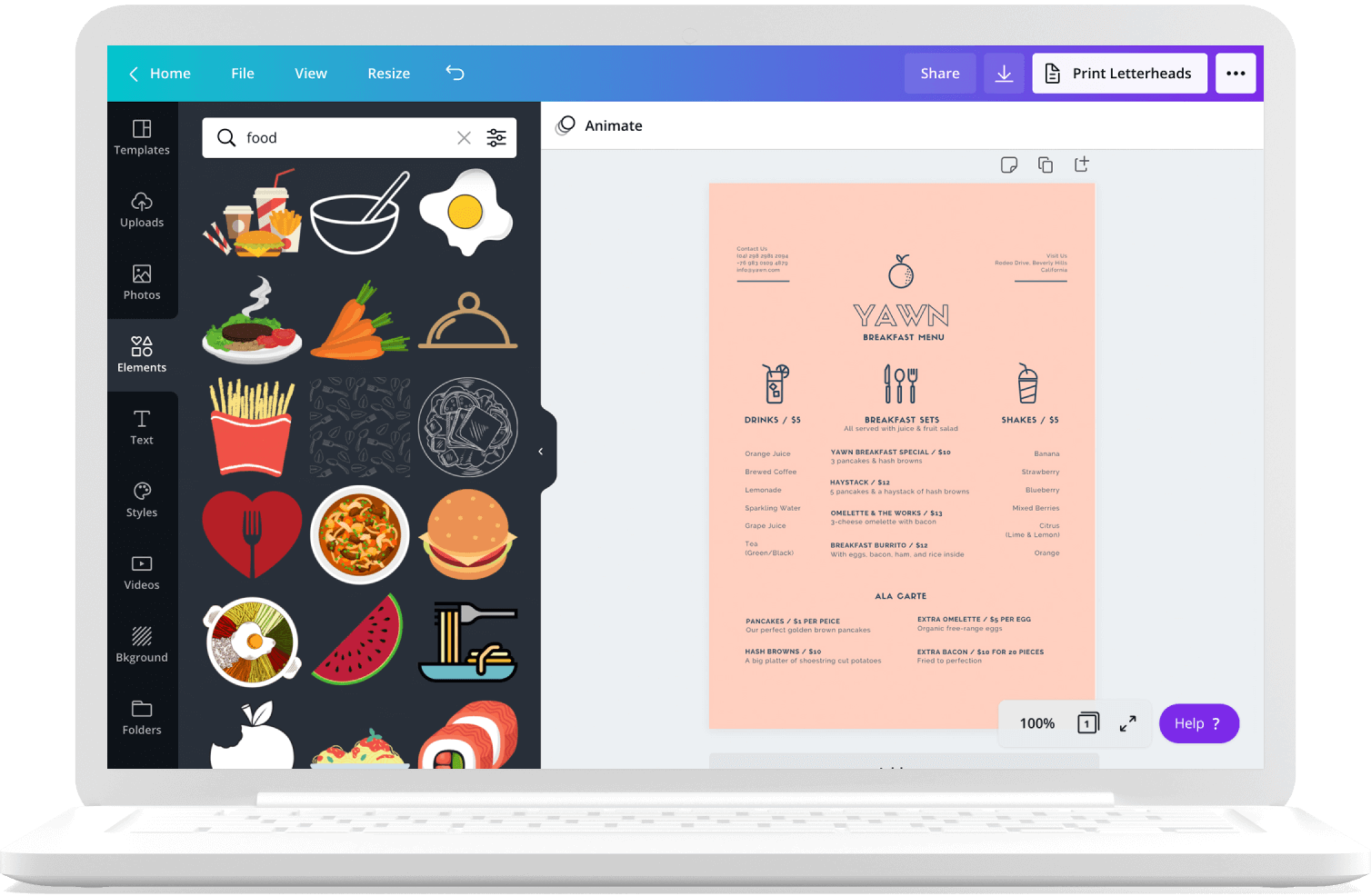
Customize your menus with our library of premium design elements, icons, illustrations, and graphics.
Design with your sous chef by giving them edit access via link or email. Then, comment, edit, and collaborate all in real-time.
Choose a menu to design
A great-looking menu can be your secret weapon. Catch people's attention with a professional design that promotes your brand. Add special deals and seasonal offers by updating your design then print high-quality copies to attract customers.


Templates for different styles, cuisines and seasons
Canva was made for the non-designer, and these professionally designed templates help to do the design heavy lifting. Our vast template library is filled with pre-made layouts for all sorts of menus—from breakfast to dinner, from western to eastern cuisines. Simply pick one out and start editing. A few drags, drops, and clicks later, and you'll have an eye-catching menu to promote your business.
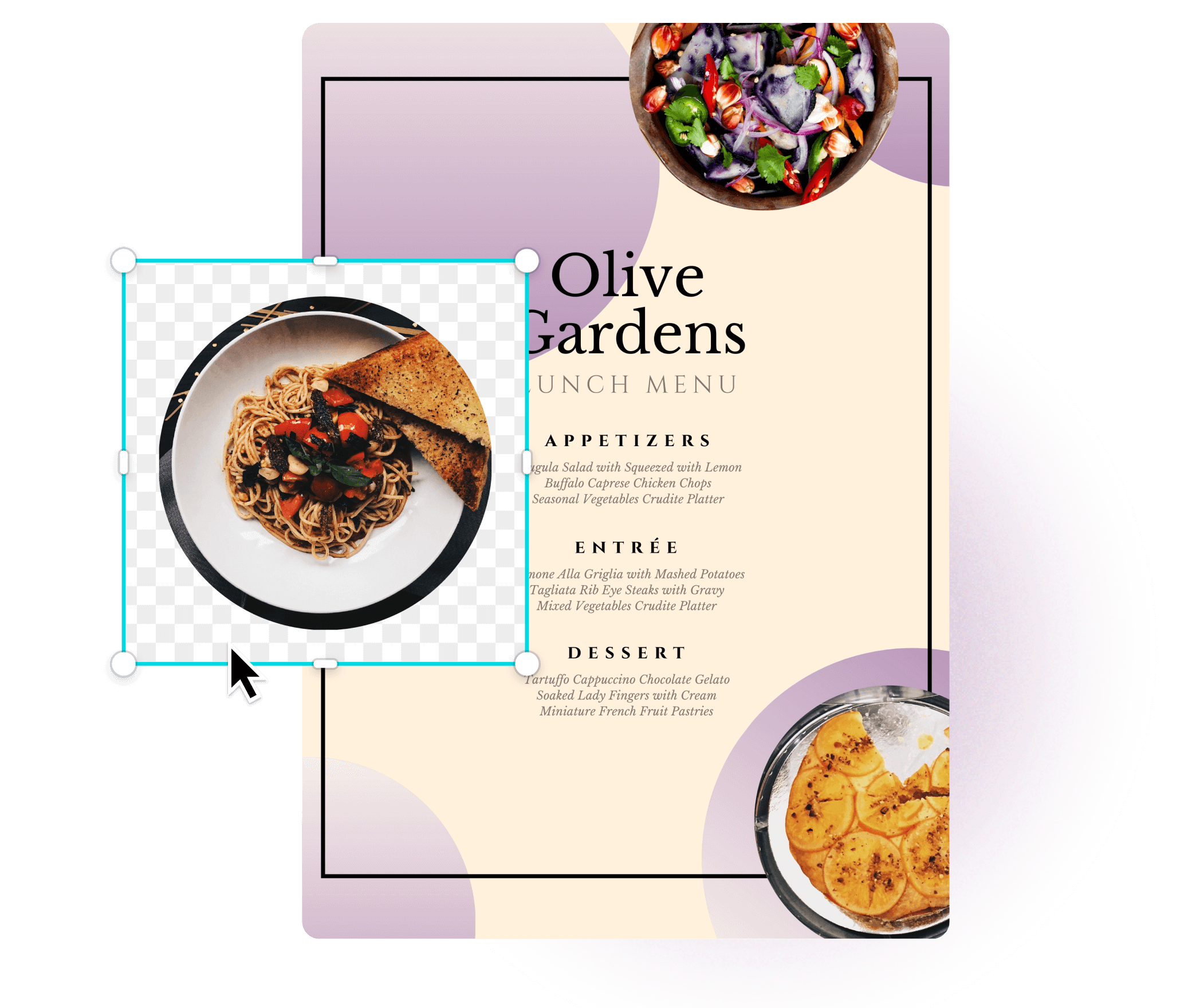
Easy editing tools for your food photography
Upload then show off your scrumptious dishes in the best light using Canva's photo filters and editing tools. Crop, rotate, straighten, and remove backgrounds on your photos with just a few clicks. Plus, go the extra mile to brighten or add photo effects if you wish to. There are also millions of free and premium images, graphics, icons and illustrations in the Canva library to supplement your photos.
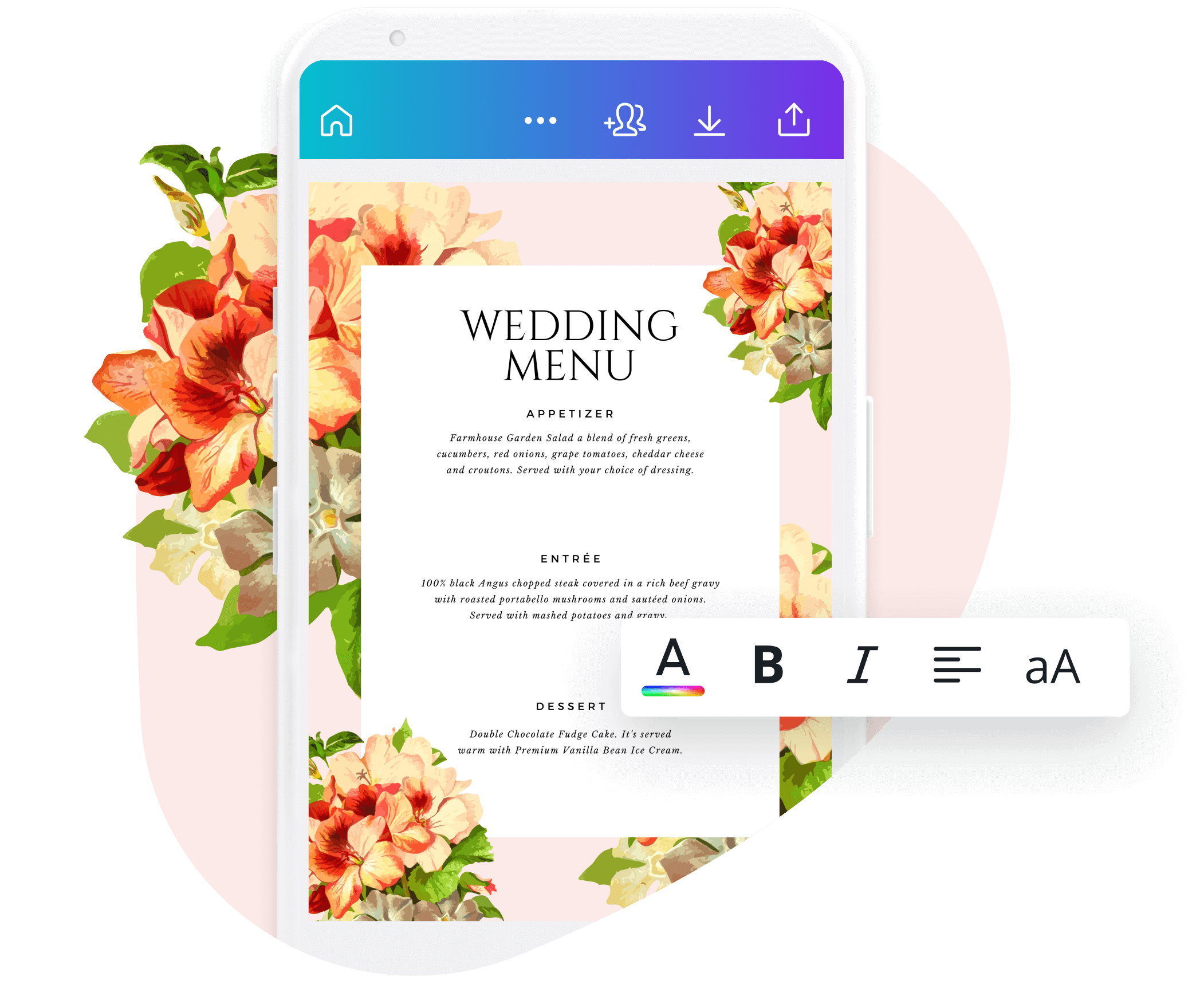
Design and edit menus on the go
Create or update your menus anywhere and any time with Canva. Design on any device or anywhere, as long as you're logged in. You can also download the free Canva app on your mobile device from Google Play Store or the App Store.
How to design and print your own menus
Choose a menu template from our library.
Customize color combinations, fonts and text with your own.
Add images of your products plus more design elements.
Finalize and download a PDF copy for printing.
Share your menu online by posting it on social media.
Frequently asked questions
What is the best menu card size?

The best menu card size is 8.5 inches by 11 inches, which follows the standard paper size. You may choose different paper sizes and layouts according to the number of dishes your restaurant offers and your branding identity. Manu dining establishments also create different menu sizes for their wine, kids, dessert, and vegan menus.
How do you format a menu?

To format a menu, always follow good visual hierarchy principles. This means that your menu layout should be easy to scan and read. Place your most expensive or specialty dish on the upper-right corner of a two-page menu–this is the sweet spot for getting the attention to your best dish. For a single-page menu configuration, the area that gets the most attention is the top of the page. For a two-page/panel menu, the best area is the top of the right-side panel/page. And for a multiple-page menu, the best real estate is at the top of each page.
What do you write in a menu?
The best menus should include the following information: 1) A short yet well-written description of each menu item using sensory words and phrases like savory, tasty, crunchy; 2) The menu price sans the currency sign; 3) Your restaurant's logo or wordmark; 4) Realistic food photographs; 5) A well-thought-out color scheme that matches your branding identity.
Everything you need to know about Menus


Create a menu in Canva
10 menu design hacks restaurants use to make you order more
50 of the best food Instagram accounts and what makes them so deliciously good
Discover more about creating mouth-watering menus in Canva.
We explore 10 menu design techniques and draw on some of his expert insights and insider tips about the subject.
We’ve gathered 50 great examples of people and businesses nailing food photography on Instagram.
Menus
Capture the minimalism of your new café, feel the breeze of your new spring menu, or cozy up in your hot beverage selection. Whatever your food and drink venture is, Canva helps you create a professional menu design to promote your business or event.


